UI 界面 / PROMPT
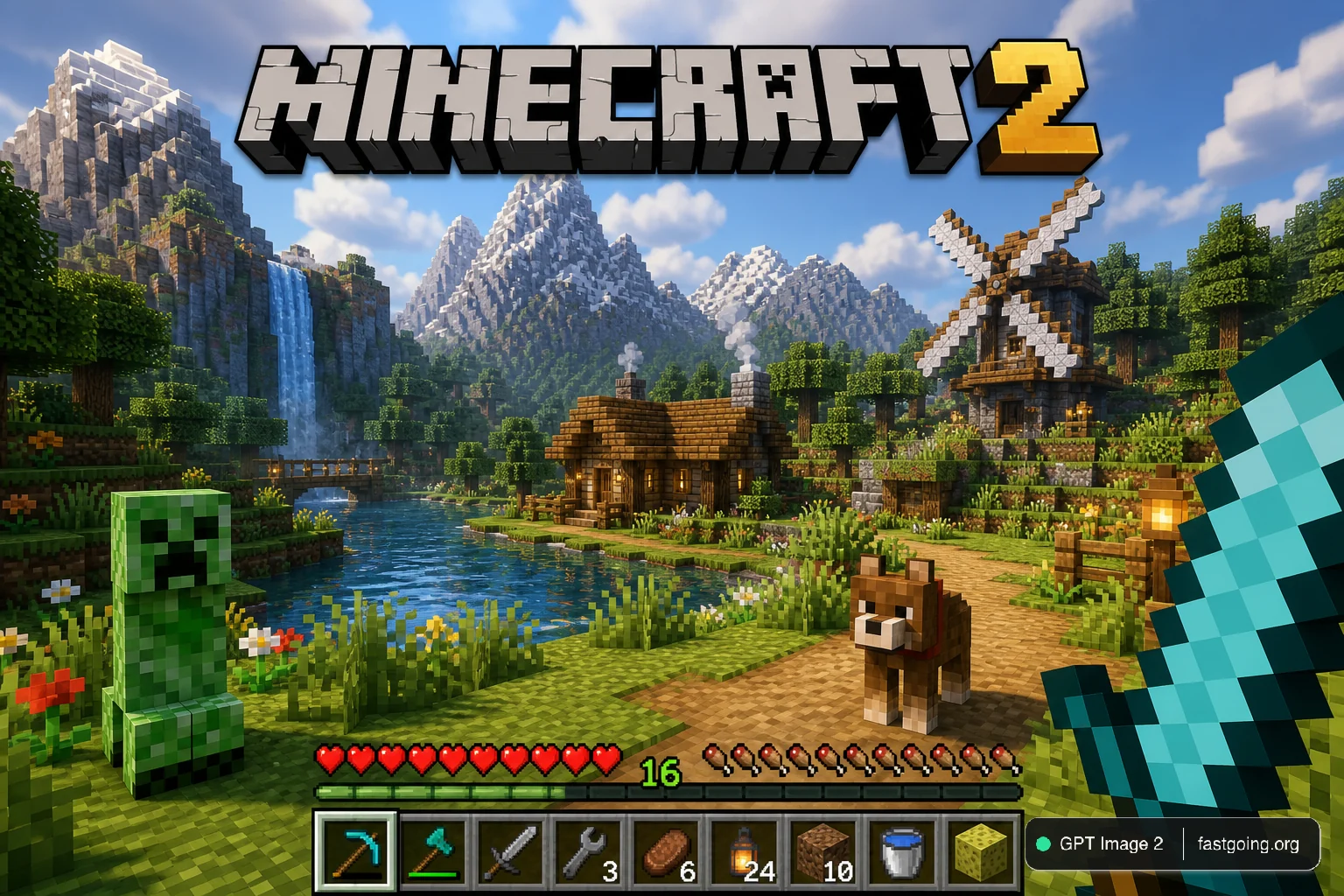
游戏界面截图
从公开案例收录的UI 界面提示词,适合参考其画面结构、风格控制和细节描述。
适用模型GPT Image 2
已实测灵感来源于 awesome-gpt-image-2 案例 91;当前提示词与效果图由 Fastgoing 使用 GPT Image 2 实测重新制作。
完整提示词COPY / USE
A highly detailed, realistic first-person video game screenshot of a next-generation voxel-based world. At the top center, a large, bold 3D logo reads "{argument name="game title" default="MINECRAFT 2"}". The scene features a {argument name="environment" default="lush, blocky landscape with a river, a small wooden cabin, a windmill, a waterfall, and majestic mountains in the background"}. The world blends realistic lighting, volumetric clouds, and high-resolution textures with cubic, voxel geometry. In the foreground on the left, a {argument name="mob 1" default="blocky green creeper"} stands on the grass, while a {argument name="mob 2" default="blocky brown wolf"} stands on the dirt path to the right. On the far right, the player's hand holds a {argument name="held item" default="pixelated blue diamond sword"} in a first-person perspective. At the bottom of the screen is a game user interface featuring a health bar with 10 red hearts, a green experience bar with the number '16', a hunger bar with 10 brown meat icons, and a 9-slot inventory hotbar. The hotbar contains, from left to right: a selected blue tool with a green highlight box, a green tool, a knife, a wrench with the number '3', a piece of meat with '6', a lantern with '24', a dirt block with '10', a bucket, and a sponge block.复制后,可参考下方“建议替换”项目改成你的主题;带【方括号】的内容请优先替换。
PROVENANCE / 来源与验证
它从哪里来,是否完成实测?
灵感来源于 awesome-gpt-image-2 案例 91;当前提示词与效果图由 Fastgoing 使用 GPT Image 2 实测重新制作。
GPT Image 2 · 2026-08-19 实测HOW TO USE
不用学提示词工程,也能改成自己的。
建议替换
01【产品或平台】02【页面内容】03【界面风格】04【画面比例】使用小贴士
先只替换变量跑一次,观察最不符合预期的部分;第二轮只补充那一项约束,通常比一次塞进很多要求更稳定。