UI 界面 / PROMPT
视频封面界面图
从公开案例收录的UI 界面提示词,适合参考其画面结构、风格控制和细节描述。
适用模型GPT Image 2
已实测灵感来源于 awesome-gpt-image-2 案例 111;当前提示词与效果图由 Fastgoing 使用 GPT Image 2 实测重新制作。
完整提示词COPY / USE
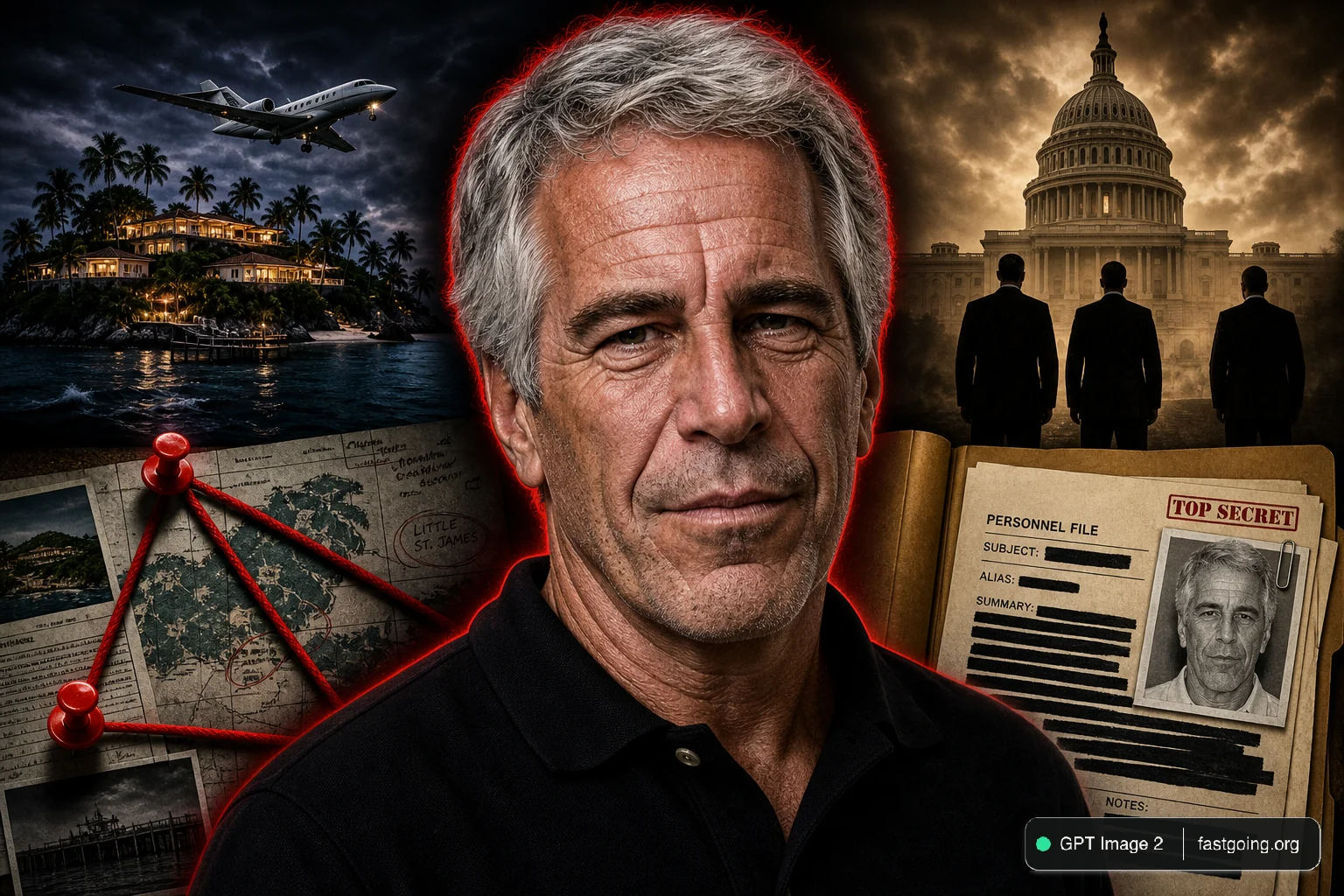
A YouTube thumbnail-style collage for a {argument name="overall mood" default="dark, dramatic, true crime investigation"}. In the center is a highly detailed, close-up portrait of an {argument name="central figure" default="older man with grey hair and deep wrinkles resembling Jeffrey Epstein"}, wearing a black polo shirt, with a faint red glowing outline separating him from the background. On the left side, a {argument name="left background scene" default="tropical island with luxury villas and a flying airplane in a dark sky"}. Below the island, a conspiracy board motif features exactly 2 red push pins connected by 3 thick red strings. On the top right side, a hazy, sepia-toned depiction of the {argument name="right background scene" default="US Capitol building with the silhouettes of 3 men in suits facing it"}. On the bottom right, an open manila folder containing a {argument name="document type" default="heavily redacted dossier with thick black marker lines and a smaller photograph of the central man"}. The overall composition is cinematic, intense, and heavily stylized for a documentary video.复制后,可参考下方“建议替换”项目改成你的主题;带【方括号】的内容请优先替换。
PROVENANCE / 来源与验证
它从哪里来,是否完成实测?
灵感来源于 awesome-gpt-image-2 案例 111;当前提示词与效果图由 Fastgoing 使用 GPT Image 2 实测重新制作。
GPT Image 2 · 2026-08-19 实测HOW TO USE
不用学提示词工程,也能改成自己的。
建议替换
01【产品或平台】02【页面内容】03【界面风格】04【画面比例】使用小贴士
先只替换变量跑一次,观察最不符合预期的部分;第二轮只补充那一项约束,通常比一次塞进很多要求更稳定。